PopSign
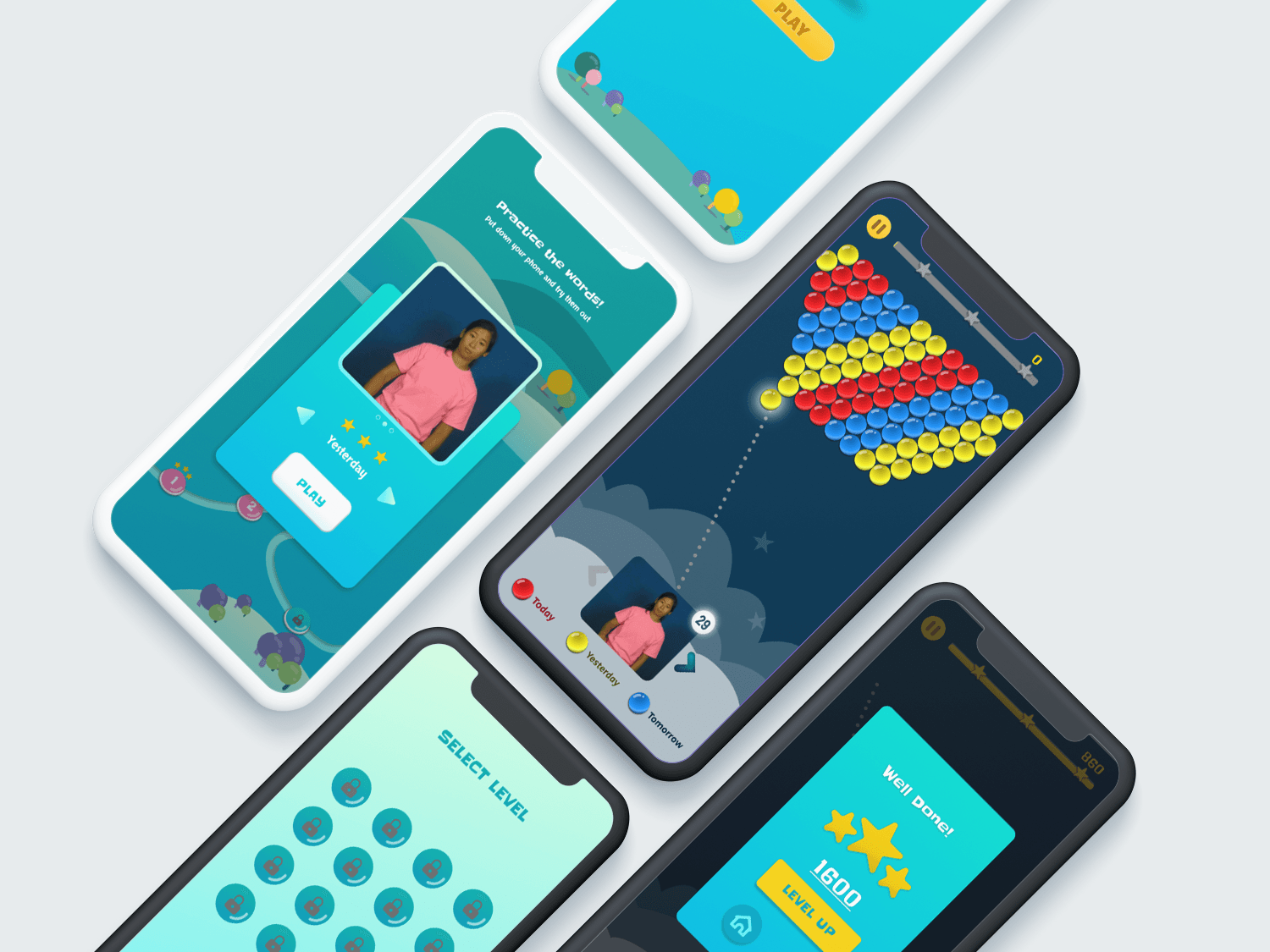
A playful, gamified mobile experience helping families practice American Sign Language through interactive challenges.
Role
Designer (Tutorials, Prototyping, Usability Testing)
Timeline
4 Weeks
Tools
01. The Problem
PopSign introduced a completely new type of game experience that many users had never encountered before.
While the concept was engaging, users often felt unsure about how to start or what actions were expected of them.
- Users unfamiliar with this type of interaction felt confused at the beginning
- Older participants struggled more without guidance
- A lack of onboarding reduced confidence and engagement
02. Goals & Metric
Help first-time users understand how to play the game and encourage continued engagement.
Reduce confusion during the initial interaction
Make the experience accessible to a wider age range
Encourage continued engagement through motivation
03. Research & Insights
Methods
In-person observations, Interviews, Public exhibit
Many users needed clear instructions before feeling comfortable interacting.
Older users had difficulty seeing small videos and text elements.
Once users understood the rules, they became more confident and engaged.
04. The Opportunity
"Support users through guidance and accessibility, without reducing the playful nature of the game."
Guide users before expecting interaction
Design for different age groups and visual needs
Reinforce progress and motivation
05. Solution Overview
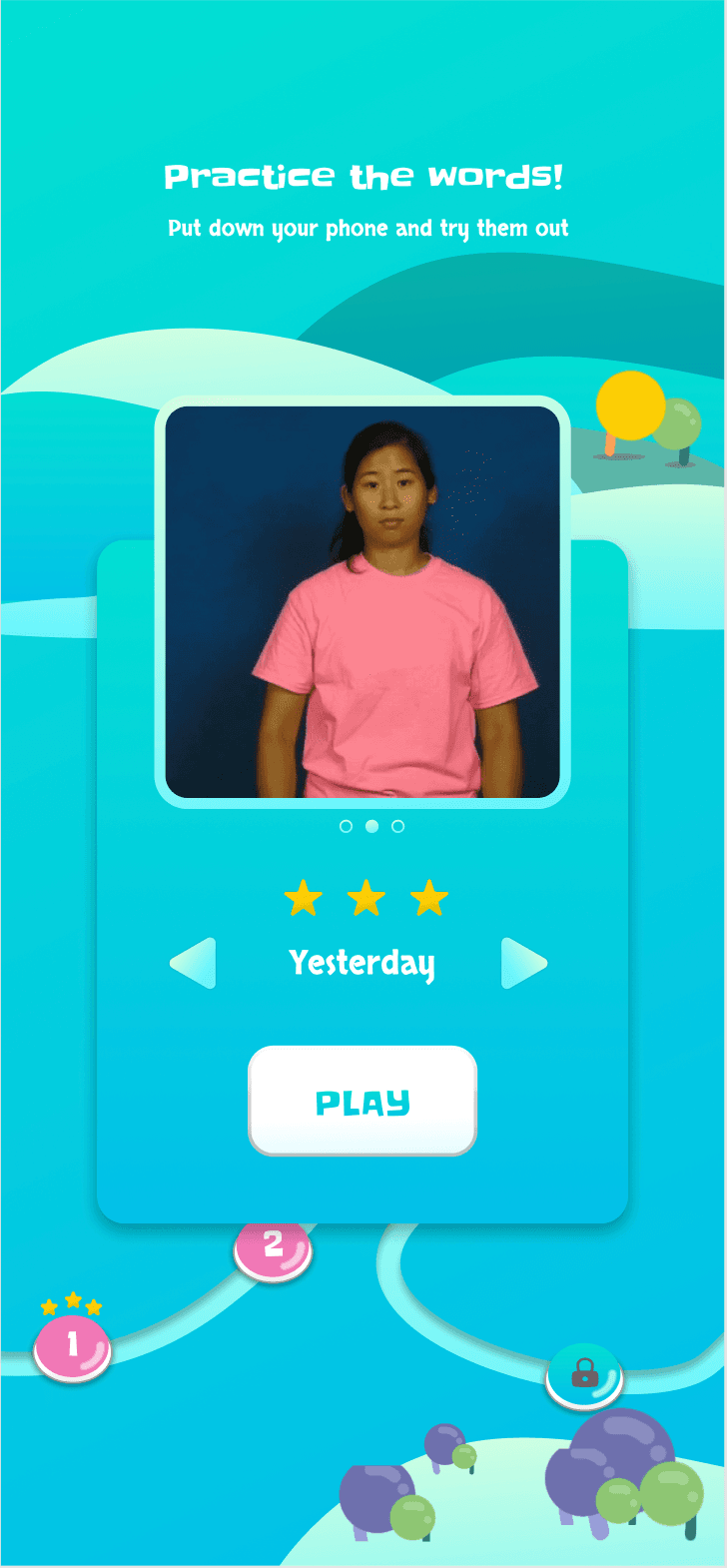
The updated version of PopSign introduces a tutorial-first experience that explains how the game works before gameplay begins.
- A clear tutorial to guide new users
- Improved visibility for video and text elements
- Motivational rewards to encourage continued play
06. Key Design Decisions
Adding a Tutorial Guide
Most users were unfamiliar with this type of game and felt unsure how to begin. A step-by-step tutorial was added to guide users through the interaction, helping them understand the rules and mechanics before playing.
Improving Video and Text Accessibility
Older users reported difficulty seeing small videos and reading text inside bubbles. The design was adjusted to allow resizable video elements and larger, clearer text in dialogue bubbles, making the game more accessible across age groups.
Adding Game Awards for Motivation
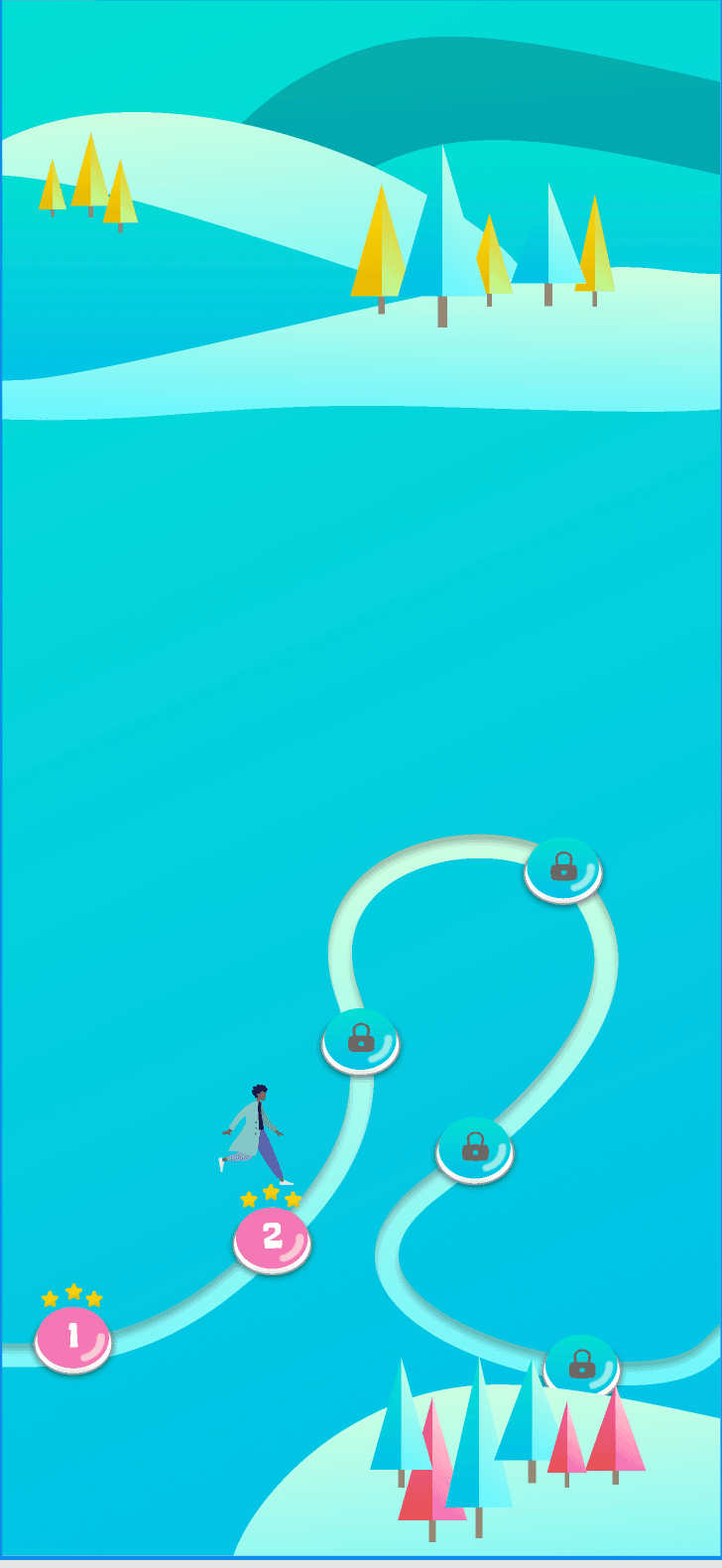
Users were more engaged when they felt progress or achievement. Game awards were introduced to motivate users, encourage completion, and make the experience feel more rewarding.
07. Outcome & Impact
Results
The tutorial significantly reduced confusion for first-time users, and older users felt more comfortable after accessibility improvements.
Impact
Game awards increased motivation and engagement.
08. Reflection
What I Learned
New interaction models require clear onboarding. Accessibility considerations benefit all users, not just specific groups. Motivation plays a key role in sustaining engagement.
Next Steps
If I continued this project, I would conduct additional usability testing across age groups, further refine accessibility controls, and explore adaptive tutorials based on user behavior.
"This project reinforced the importance of clear guidance, accessibility, and motivation when designing new and unfamiliar interactive experiences."